

Table of Contents
ToggleControlling your home’s temperature from your phone might sound like a luxury, but it’s become a practical reality for millions of homeowners. The Hive smart thermostat sits at the intersection of comfort and efficiency, letting you adjust settings remotely, set schedules that match your lifestyle, and track energy usage in real time. Unlike traditional thermostats that only respond to preset programs, Hive learns your patterns and adapts automatically. For homeowners serious about cutting heating and cooling costs without sacrificing comfort, this device deserves a closer look. Whether you’re upgrading an aging system or exploring smart home tech for the first time, this guide walks you through what Hive offers and how to get it working in your home.
Key Takeaways
- Hive smart thermostat learns your patterns and automatically adjusts heating and cooling remotely via smartphone, enabling 10–15% annual energy savings compared to manual operation.
- The device features geofencing technology that triggers preset temperature adjustments when household members leave or approach home, eliminating the need for manual thermostat changes.
- Installation requires basic electrical knowledge and typically takes 30 minutes to an hour for DIYers with standard four or five-wire setups; professional electricians should handle uncommon wiring configurations.
- Real-time energy reporting and motion-sensing capabilities help you track utility costs and prevent unnecessary heating or cooling of empty spaces.
- Hive integrates with smart home ecosystems including Amazon Alexa, Google Assistant, and compatible smart devices, allowing voice control and unified home automation routines.
- The intuitive mobile app makes scheduling, automation setup, and seasonal adjustments straightforward for beginners, with the thermostat typically paying for itself within two to three years through reduced utility bills.
What Is the Hive Smart Thermostat?
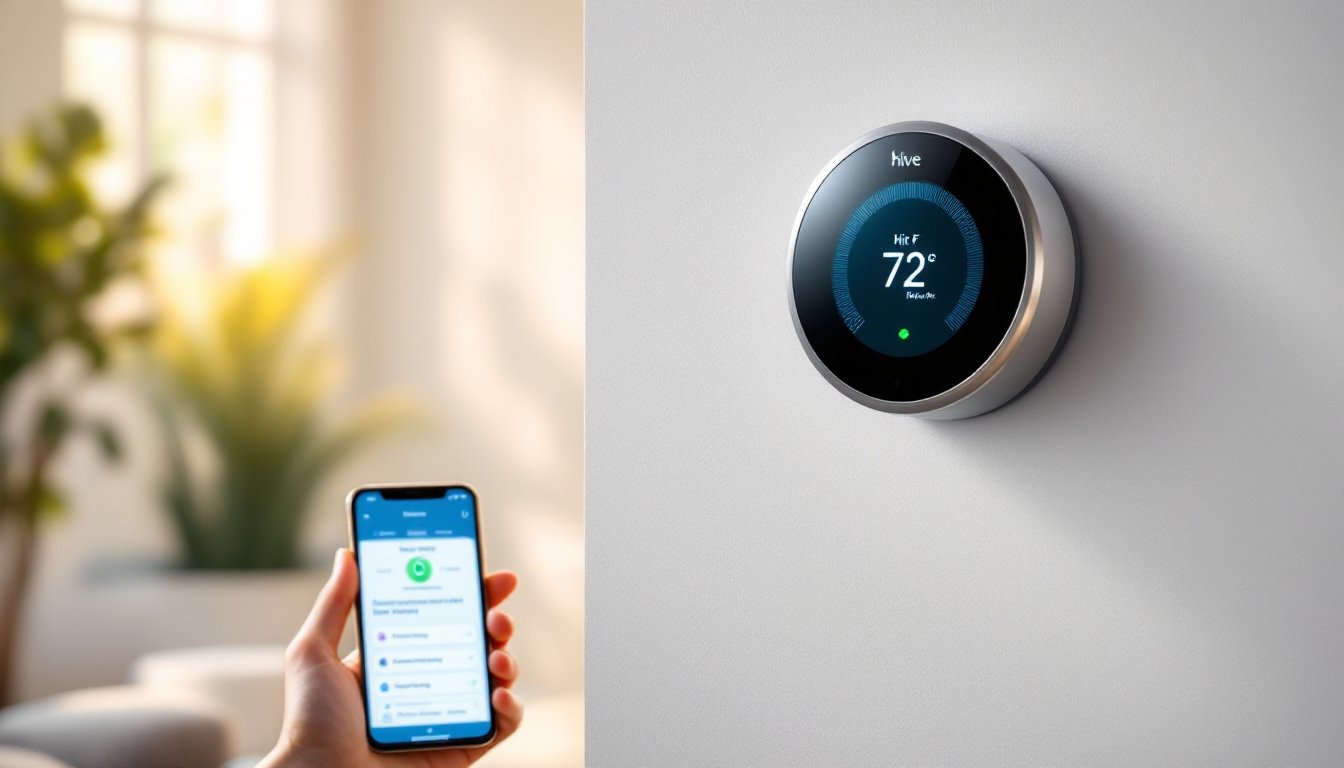
The Hive smart thermostat is a connected device that replaces your standard wall-mounted thermostat and communicates with your heating and cooling system via Wi-Fi. Unlike older mechanical or simple digital thermostats, Hive integrates into a broader smart home ecosystem, giving you granular control over temperature from anywhere, your phone, tablet, or voice commands through compatible smart speakers.
Hive thermostats come in both heat-only and heat-and-cool models, depending on your HVAC setup. Most units feature a color touchscreen display that shows current temperature, humidity, and energy usage. The device connects directly to your home’s Wi-Fi network and syncs with the Hive mobile app, which serves as your command center for all adjustments and scheduling.
Installation requires basic electrical knowledge and turning off your system’s power at the breaker. If your home doesn’t already have low-voltage wiring in place (which most modern homes do), you’ll likely need a professional electrician. The wiring itself is straightforward, most systems use standard color-coded terminals (red for power, white for heat, green for fan, yellow for air conditioning), but routing and safety matter. According to detailed Hive smart thermostat reviews, most installations take 30 minutes to an hour for DIYers with electrical comfort.
Key Features and Benefits
Energy Savings and Cost Efficiency
The primary appeal of Hive is how it cuts utility costs through intelligent scheduling and remote control. Traditional thermostats run on fixed timers: Hive learns your routine and adjusts heating or cooling before you arrive home. If you’re out longer than expected, you can lower the temperature from your phone and save energy without coming home to a cold house.
Hive’s motion-sensing capability (on supported models) detects when no one is home and adjusts settings automatically, preventing unnecessary heating or cooling of empty spaces. Real-time energy reporting shows exactly how much your thermostat usage costs per month, making the financial impact visible.
According to industry comparisons, homeowners report 10 to 15% energy savings annually with smart thermostats compared to manual operation. This varies by climate, usage habits, and how aggressively you optimize schedules. In cold climates with lengthy heating seasons, savings tend to be higher. The device typically pays for itself in reduced utility bills within two to three years.
Remote Control and Scheduling
Geofencing is where Hive truly shines. The app detects when household members leave or approach home and triggers preset temperature adjustments automatically. No more adjusting the thermostat before bed or worrying you forgot to change settings before a vacation, Hive handles it.
Weekly schedules allow different settings for weekdays, weekends, and specific times of day. You can program heat to 72°F on weekday mornings, drop to 66°F while everyone’s at work, then back to 72°F before evening. Zone control (on multi-zone systems) lets different areas of your home maintain different temperatures, which is especially useful for larger homes with uneven heating or cooling.
Voice integration with Amazon Alexa and Google Assistant means you can adjust temperature hands-free. Integration with other smart home tech examples lets Hive coordinate with connected lights, cameras, and locks for cohesive automation routines. For instance, your morning scene could raise temperature, unlock the door, and turn on lights simultaneously.
Installation and Setup
Before touching any wires, turn off power to your HVAC system at the breaker and leave a note so no one switches it back on accidentally. This is non-negotiable for safety and to prevent damage to the thermostat.
Check your current thermostat’s wiring by removing the faceplate and photographing the terminal connections. Most homes use the standard four or five-wire setup: R (power), W (heat), G (fan), Y (cool), and C (common). If you have older two-wire systems, Hive may not be compatible without additional wiring work, consult a professional in that case.
Hive’s wiring diagram (in the manual and on-screen during setup) matches terminals one-to-one to your new unit. Strip about 1/2 inch of insulation from each wire and insert into the labeled terminals on the Hive back plate, tightening each firmly. Use the provided wall plate to mount the unit level on your wall, ideally away from direct sunlight, drafts, and other heat sources that skew readings.
Once wired and mounted, restore power and follow the app’s onboarding wizard. You’ll confirm your system type (heat-only, heat-cool, etc.), connect to your home Wi-Fi, and set an initial temperature preference. The entire process takes 10–15 minutes if wiring is straightforward. If you’re uncertain about wire identification or your home uses uncommon wiring, hiring a technician ($50–$150) is money well spent and often supported by your local utility as part of energy-efficiency rebate programs. Many homeowners pair this upgrade with smart home tech tools to create a fully integrated climate control system.
Getting Started: App Control and Automation
After setup, the Hive app becomes your climate dashboard. The home screen shows current temperature, setpoint, and system status at a glance. Adjust temperature by tapping up and down arrows, changes take effect immediately on the device and throughout your connected home.
Scheduling lives in a dedicated tab where you’ll create recurring daily patterns. Select which days apply (weekdays, weekends, or custom), set time blocks and corresponding temperatures, and save. Most users create three to four daily blocks: morning warm-up, daytime energy-saving, evening comfort, and overnight sleep settings. Seasonal adjustments are easy, switch from heating mode in spring to cooling in summer without touching the device.
Automation routines trigger actions based on conditions like presence (geofencing), time of day, or manual triggers from the app. A “leaving home” routine might lower temperature by 4°F automatically when all users’ phones are away. “Arriving home” could restore comfort 30 minutes before your typical arrival time, so the house is pleasant when you walk in.
Notifications alert you to unusual activity, if the system runs constantly, if temperature drops unexpectedly (a sign of a heating malfunction), or if someone adjusts settings remotely. These insights help catch HVAC problems early. Dig into energy usage reports monthly to see patterns: you might discover that adjusting your morning setpoint 2°F lower saves $5–$10 per month.
For smart home tech for beginners, the app interface is intuitive and forgiving, there’s no way to brick the device or create a dangerous setting, so experimentation is safe. Start simple with one weekly schedule, then layer in geofencing and automation as you grow comfortable with the system.
Conclusion
The Hive smart thermostat transforms how you manage home comfort by putting temperature control in your pocket and automating repetitive adjustments. Installation is DIY-friendly for homes with standard wiring, though professional help is a smart move if you’re uncertain about electrical work. Real energy savings, remote access, and integration with other smart home tech devices make Hive a practical upgrade that pays dividends in comfort and lower utility bills over time. If you’re ready to stop manually adjusting your thermostat, Hive delivers both convenience and measurable savings.


