

Table of Contents
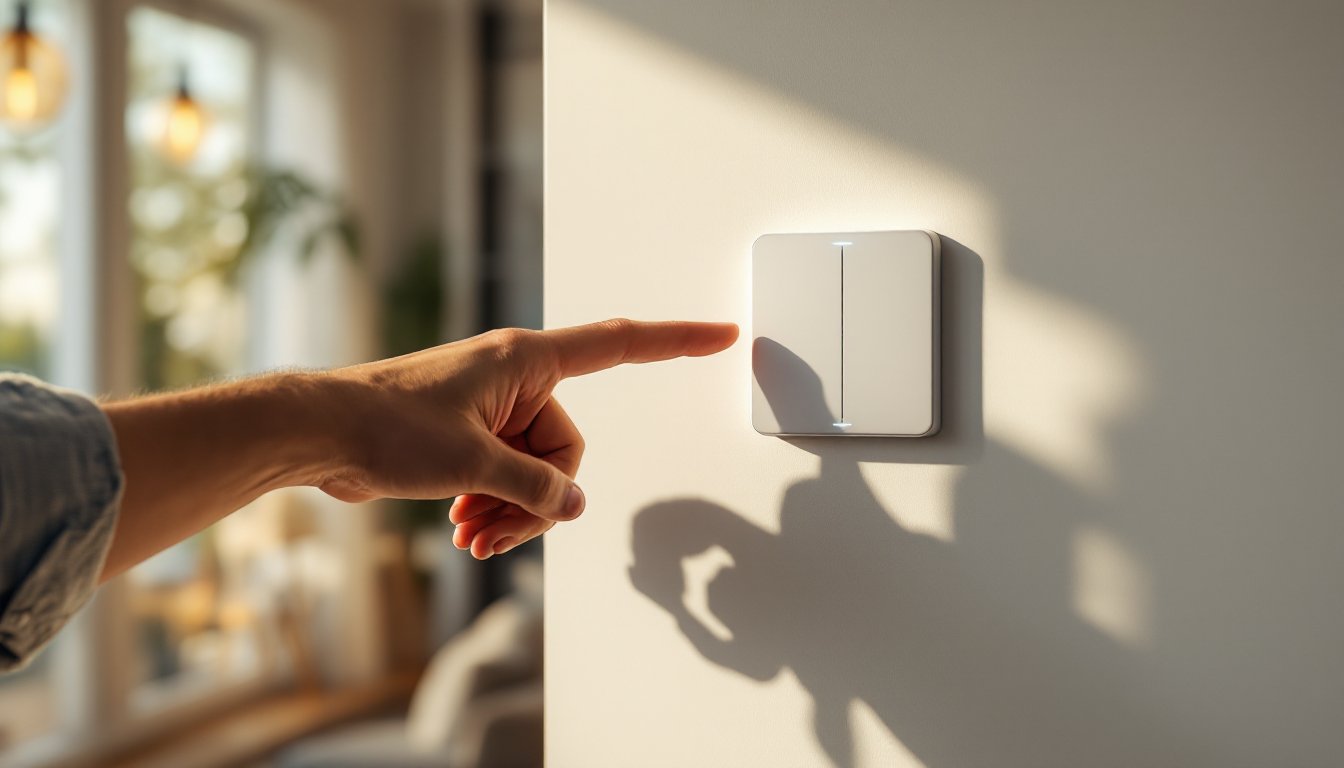
ToggleSmart home switches are one of the easiest upgrades you can make to a house without hiring an electrician or breaking walls. Unlike smart bulbs that require you to replace every fixture, a smart switch takes over an existing circuit, replacing the conventional wall switch with one that connects to Wi-Fi or Bluetooth. Whether you’re automating lighting, controlling ceiling fans, or coordinating power to multiple devices, these switches give you remote control and scheduling options. If you’ve wondered whether a smart switch is worth the investment or how to install one safely, this guide walks you through the features, installation process, and real money-saving benefits.
Key Takeaways
- A smart home switch replaces a standard wall switch to control lights, fans, and devices remotely via Wi-Fi, Zigbee, or Z-Wave without requiring bulb replacements or major rewiring.
- Smart switches with app integration and automation scheduling can reduce lighting energy costs by 10-20%, with benefits amplified through geofencing and time-based controls in unoccupied rooms.
- Always verify your wall box has a neutral wire before purchasing a smart switch, as most models require one and retrofitting costs money; Wi-Fi switches need no hub but consume more power, while Zigbee and Z-Wave require a hub but operate more efficiently.
- DIY installation is straightforward for basic wiring skills, but always turn off power, use a voltage tester, and call a licensed electrician ($150-300 per switch) for complex circuits like 3-way setups or unfamiliar wiring to avoid fire hazards or injuries.
- Smart home switches offer immediate convenience through voice control and scenes (like ‘goodnight’ dimming lights and locking doors), plus modest home resale value; budget $35-150 per switch and start with high-traffic areas like entryways and kitchens.
What Are Smart Home Switches and How Do They Work?
A smart home switch is an electrically connected device that replaces a standard wall switch and controls power to a light fixture, ceiling fan, or outlet. Unlike traditional switches that simply break or complete a circuit, smart switches use a radio module, Wi-Fi, Zigbee, or Z-Wave, to communicate with a hub, smartphone app, or voice assistant.
Here’s the basic workflow: you install the switch in place of your existing one (wiring remains the same), connect it to your home network, and then control it through an app, voice command, or automation schedule. Some switches also include a physical button, so you can still use them like a normal switch if you prefer. The switch itself contains a relay that electronically switches power on and off, eliminating the need to replace bulbs or buy special fixtures.
Two main types exist: on/off switches (simple binary control) and dimmer switches (adjusting brightness and, sometimes, color temperature). Dimmer switches are more expensive but offer finer control. Best Smart Home Tech often includes both types depending on room use.
Key Features to Look for When Choosing a Smart Switch
Not all smart switches are created equal. Here are the must-haves and nice-to-haves when shopping:
Protocol and Hub Requirements: Wi-Fi switches connect directly to your router (no hub needed) but consume more power and can overload a home network with too many devices. Zigbee and Z-Wave switches require a hub (Amazon Echo, Samsung SmartThings, or dedicated hub) but are more energy-efficient and reliable for whole-home networks.
Load Rating: Check the amperage rating (typically 15 amps for standard circuits, 20 amps for kitchen/bathroom). Exceeding this can trip breakers or damage the switch. For ceiling fans or high-power devices, verify the switch is rated for the load.
Neutral Wire Requirement: Most smart switches need a neutral wire in the wall box. Older homes sometimes lack one: if yours doesn’t, you’ll need either a switch designed for non-neutral installations (more expensive) or an electrician to run one. This is a critical detail, confirm before buying.
Compatibility: Ensure the switch works with your existing ecosystem (Apple HomeKit, Google Home, Alexa, SmartThings, etc.). Some are multi-platform: others are locked into one system.
Voice Control and App Integration
Voice control is the flashy feature, but app integration is where the real utility lives. A solid app should let you turn switches on/off remotely, set schedules, create scenes (e.g., “movie time” dims lights and locks doors), and receive notifications. Voice commands are convenient for quick adjustments, “Alexa, dim the kitchen light to 40 percent”, but they only work if you have a compatible voice assistant in the home.
Look for switches that support Smart Home Tech Ideas like scheduling (turn on lights at sunset) and geofencing (lights turn on when you arrive home). Some premium switches add energy monitoring, showing you real-time power usage. This data is handy for identifying energy-hungry appliances or tracking savings over time.
Installation Basics for DIY Homeowners
Installing a smart switch is straightforward for anyone comfortable working with electrical wiring, but there are real safety concerns. Here’s the process:
Tools You’ll Need:
- Screwdriver (flathead and Phillips)
- Wire stripper
- Voltage tester (non-negotiable for safety)
- Needle-nose pliers
- Flashlight
- Labels or tape for marking wires
Steps:
-
Turn off power at the breaker and verify it’s off using a voltage tester on the existing switch. Never skip this step. Touching a live wire inside a switch box is dangerous and potentially fatal.
-
Remove the old switch by unscrewing the two wires (usually brass screws for “hot,” silver for “neutral,” green or bare for “ground”). Take a photo of the wiring before disconnecting anything. If multiple wires attach to the existing switch, you may have a 3-way setup (switches at both ends of a hallway), this is more complex and often warrants professional help.
-
Inspect the wall box. Smart switches are bulkier than standard switches. Confirm the box has room: oversized switches can make the cover plate sit unevenly or cause wires to compress dangerously.
-
Check for a neutral wire. Look into the box for a white wire connected to the switch or bundled with other wires. No neutral? You’ll need a neutral-wire-free switch or call an electrician.
-
Connect the new switch by matching wire colors: hot (usually black) to the brass terminal, neutral (white) to the silver terminal, and ground (bare copper or green) to the green terminal. Use the screw terminals provided: don’t use backstab holes (the push-in connectors on some old switches are unreliable).
-
Secure the switch in the box and install the cover plate. Ensure the switch is centered and sits flush.
-
Restore power, download the app, and follow the manufacturer’s setup guide to connect the switch to your network.
Safety Considerations and When to Call a Pro
Electricity is unforgiving. Always use a voltage tester, it’s a $10-15 tool that confirms power is off before you touch anything. Treat every wire as live until proven otherwise.
Call a licensed electrician if:
- You have a 3-way switch circuit (two switches controlling one light)
- You’re unsure about wire identification
- You find no neutral wire and need one installed
- The wall box is too small or damaged
- Local codes require a permit (many jurisdictions do for electrical work)
- You’re uncomfortable at any stage
Electricians usually charge $150-300 per switch for labor, but a mistake could cost thousands in fire damage or medical bills. It’s not an area to wing it.
Wear safety glasses to protect your eyes from falling debris or wire ends. Keep one hand in your pocket when testing for live wires to reduce the risk of creating a circuit through your heart, this isn’t paranoia: it’s a real safety practice.
Energy Savings and Smart Home Benefits
Smart switches don’t save energy by themselves, a switch either passes power or doesn’t. The savings come from automation and awareness. Scheduling lights to turn off at specific times or using geofencing to ensure lights aren’t left on in empty rooms can reduce unnecessary usage. According to industry reviews of top smart switches, households that automate lighting see 10-20% reductions in lighting energy costs, though results vary based on usage patterns.
The bigger appeal is convenience and integration. Imagine arriving home on a dark winter evening, your lights turn on automatically as you pull in the driveway. Or set a “goodnight” scene that dims bedroom lights, turns off common areas, and locks doors with one voice command. For Smart Home Tech for Beginners, smart switches are an entry point that feels immediately useful without requiring you to adopt an entire ecosystem at once.
Night mode features are underrated: some switches support scheduling that gradually increases brightness in the morning or reduces blue light in the evening, which can improve sleep quality. Others let you synchronize lights across rooms or integrate with motion sensors for hands-free control in hallways or bathrooms.
Home value is another consideration. Properties with smart home systems, especially lighting control, appeal to modern buyers, though ROI on smart home upgrades is modest (recoup about 50-70% of costs at resale). The real value is daily quality of life and peace of mind (remote monitoring if you’re traveling, ensuring doors are locked).
Cost per switch ranges from $35 for basic Wi-Fi models to $150+ for premium dimmers with energy monitoring. A typical home might have 15-20 switches: full automation could run $500-3,000 depending on platform and features. Budget phased upgrades, start with high-traffic areas like entryways, kitchens, and bedrooms.
Conclusion
Smart home switches represent a practical middle ground between basic home automation and a full smart home overhaul. They’re safe to install yourself if you’re careful with electrical wiring, deliver real convenience through scheduling and voice control, and integrate cleanly with existing lighting without replacing every bulb. Start with one or two switches in high-use areas, confirm compatibility with your desired ecosystem, and test the app and automations before scaling up. Most importantly, never sacrifice safety for speed, use a voltage tester, respect electrical codes, and call a professional if wiring is unfamiliar or unclear. A smart switch installed safely pays dividends in comfort and control for years.


