

Table of Contents
ToggleThe Yale August Smart Lock represents a major shift in how homeowners control access to their properties. Rather than fumbling with physical keys or rekeying locks when guests leave, you can manage entry from your phone, set temporary access codes, and receive notifications whenever someone arrives. For homeowners tired of lost keys, concerned about unauthorized copies, or simply looking to modernize their security, a smart lock is a practical upgrade that works with most existing doors. This guide walks you through what the Yale August offers, how to install it, and whether it’s the right fit for your home.
Key Takeaways
- The Yale August Smart Lock is a battery-powered deadbolt retrofit that lets you unlock via smartphone, keypad, or physical key without replacing your entire door hardware.
- The Yale August offers AES-128 encryption, real-time access notifications, and temporary access codes, making it a secure alternative to hiding spare keys and managing rekeying costs.
- Installation is DIY-friendly and takes 30–60 minutes with basic tools; the lock works on standard residential doors (1⅜–1¾ inches thick) and integrates seamlessly with Apple Home, Google Home, and Alexa.
- At $200–$300 for the lock plus optional hub and keypad, the Yale August sits in the practical middle range—more affordable than rekeying after lost keys but less expensive than premium locks with built-in keypads.
- Temporary access codes and activity logs provide flexibility for renters and homeowners alike, letting you grant time-limited entry to guests or contractors and revoke access instantly from your phone.
- The lock maintains full physical security since the bolt strength remains unchanged; a dead battery or app failure won’t leave you locked out thanks to the traditional key override.
What Is the Yale August Smart Lock?
The Yale August Smart Lock is a battery-powered deadbolt replacement that mounts inside your existing door. It replaces the manual turning mechanism of a traditional deadbolt, letting you unlock the door from your smartphone, a keypad, or a physical key. Unlike full lock replacements, August retrofits over your current deadbolt, a major advantage if you rent or want to avoid door reinforcement work.
The lock pairs with a hub (required for full remote access and automation) that connects to your home Wi-Fi. Without the hub, you can still unlock manually and use the keypad, but remote features require the hub. August integrates with popular platforms like Apple Home, Google Home, and Amazon Alexa, making it part of a larger smart home ecosystem. For homeowners balancing security upgrades with ease of installation, this approach sidesteps the need for a licensed locksmith or structural changes to your door.
Key Features and Specifications
Lock Mechanism & Power
The August uses a motor-driven deadbolt controlled electronically. The lock runs on four AA alkaline batteries, which typically last 6–12 months depending on usage. You’ll get low-battery alerts on your phone before they die. The unit measures 2.75 inches in diameter and sits mostly inside the door, making it less visible than a traditional lever.
Connectivity & Compatibility
August works on doors with standard deadbolt holes (1⅜ inches). It’s compatible with most residential doors, though you should verify your door’s thickness (typically 1⅜ to 1¾ inches) before purchase. The lock doesn’t require you to remove your existing deadbolt from the outside, it simply replaces the interior mechanism, preserving your original hardware appearance.
Access Methods
You unlock via phone app, voice commands (Alexa, Google), a physical key, or an optional keypad ($50–$80 separately). This flexibility is crucial for households where not everyone uses smartphones. Temporary access codes let you grant time-limited entry to service workers, guests, or family members without sharing permanent credentials.
Smart Home Integration
August connects via Wi-Fi (2.4 GHz or 5 GHz bands) and works with HomeKit, Google Home, and Alexa. Recent reviews show the August is among the most compatible smart locks available, making it an accessible entry point to smart home automation compared to devices requiring proprietary ecosystems.
Installation and Compatibility
What You’ll Need
Installation requires basic tools: a screwdriver (typically Phillips head), a utility knife for trimming the interior escutcheon (trim ring), and possibly a drill if fastener adjustments are needed. Most homeowners complete the job in 30 minutes to an hour. No electrical work is required since August runs on batteries.
Installation Steps
- Remove the interior side of your existing deadbolt by unthreading fasteners on the inside plate.
- Unscrew the bolt housing from the door edge and set aside the old mechanism.
- Insert the August motor module into the deadbolt hole, ensuring the motor shaft aligns with the bolt.
- Secure the motor module with provided fasteners, checking that the bolt turns smoothly.
- Attach the interior escutcheon and battery cover, trimming any excess material with the utility knife if needed.
- Install batteries and test the lock multiple times before finalizing.
- Download the August app, power on the lock, and pair it via Bluetooth initially, then connect to the hub if using one.
Door Compatibility Considerations
Smartlocks work best on doors with standard deadbolts and conventional door frames. If your door is recessed, reinforced, or has a non-standard bolt hole, the August may not fit. Check the product spec sheet against your door’s specifications, most manufacturers provide a compatibility tool online. Apartment dwellers should confirm with landlords: renters appreciate August’s reversibility, though some properties restrict modifications regardless.
Security and Access Control
Encryption & Data Protection
August uses AES-128 encryption for communication between the lock, app, and hub. This standard is widely used in commercial security and home automation. The company doesn’t store your key data on its servers, authentication happens locally on the hub or via Bluetooth when you’re nearby. That said, any internet-connected device introduces potential attack surfaces: keep your Wi-Fi network secure with a strong password and enable two-factor authentication on your August account.
Access Logging & Notifications
Every unlock triggers an app notification showing who accessed the door and when. You receive real-time alerts for lock/unlock events, low battery warnings, and suspicious activity (e.g., multiple failed codes). This audit trail is invaluable if something goes missing or you want to verify when a contractor arrived. The activity log stores weeks to months of history depending on your hub model.
Temporary Codes & Guest Management
Instead of hiding a key under a mat or giving out your main code, create temporary access codes valid for specific dates and times. You can revoke access instantly from your phone, critical if a guest forgets to return a keypad or if you change your mind about letting someone in. This feature alone prevents locksmith bills from rekeying after unauthorized copies surface.
Physical Security
The Yale August doesn’t weaken your deadbolt’s physical security. The bolt itself remains the same strength: the motor simply turns the existing mechanism. Unlike keypad-only locks, you retain a traditional key override, so a dead battery or app failure doesn’t lock you out. An intruder can’t bypass the lock faster with August than with a conventional deadbolt.
Mobile App Experience
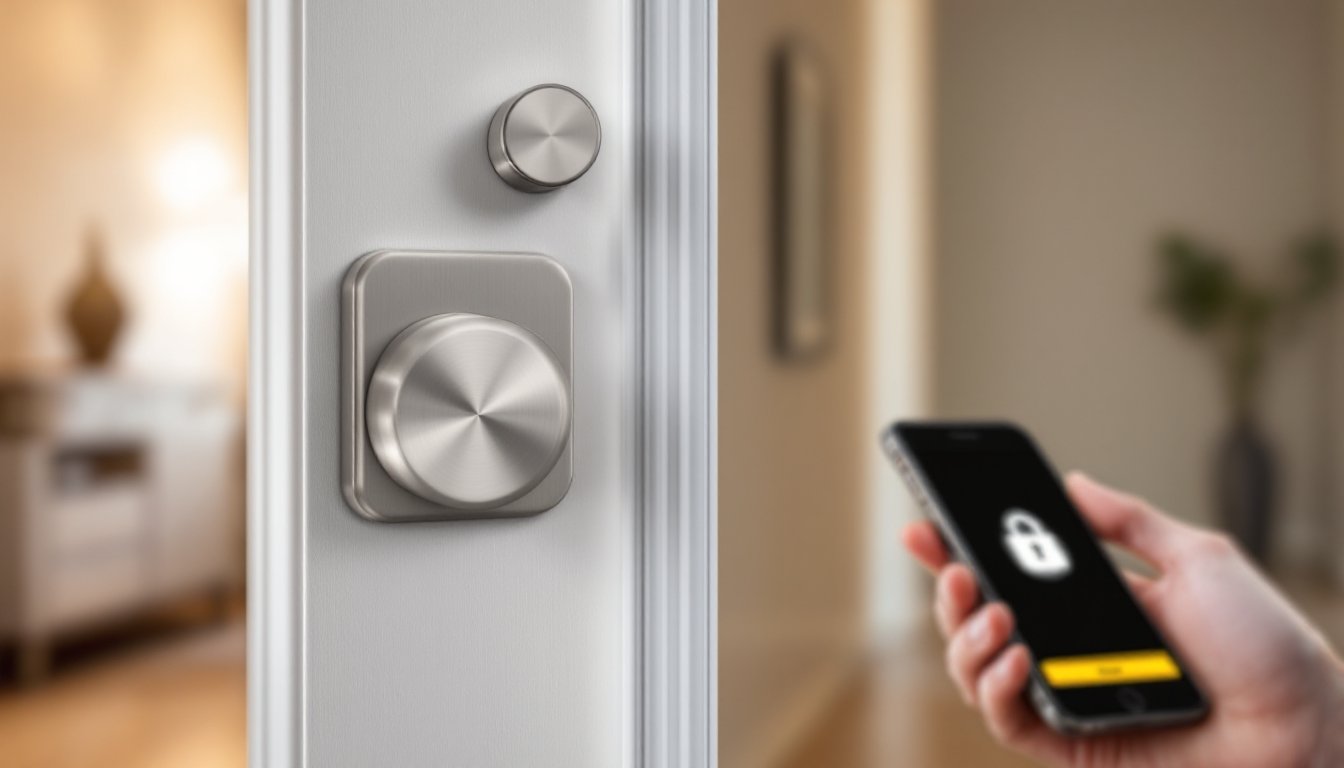
The August Home app serves as your control center. The interface is clean, a large lock icon shows current status (locked/unlocked) and lets you toggle the lock with a tap. Below, you’ll see access codes, activity history, and notifications. For remote unlocking away from home, the hub must be online: without it, you’re limited to Bluetooth range (typically 30–50 feet).
Automation features let you unlock automatically when you arrive home (using geofencing) or lock at bedtime. These routines integrate with broader smart home platforms, so you can set scenes like “leaving home” that lock the door, close garage doors, and adjust thermostats in one action. Voice control works smoothly with Alexa and Google, you can say “Alexa, unlock the front door” (though the lock requires explicit voice authentication, not just any command, for security reasons).
Notifications are granular: you choose whether to receive alerts for every unlock, only remote unlocks, or activity summaries. This prevents notification fatigue while keeping you informed of meaningful events. If someone enters an incorrect code multiple times, you’ll be alerted. Some users toggle notifications off after the initial novelty wears off, but the audit trail remains in the app for review.
Cost and Value for Homeowners
The Yale August Smart Lock typically costs $200–$300 for the lock alone, with hubs ranging from $35–$80 depending on the model. Keypads add another $50–$80 if you want a backup entry method. That’s roughly 2–3 times the price of a quality manual deadbolt but far less than rekeying after a lost key or changing locks for security reasons.
Where the value shows up: you’ll save on locksmith calls, guest key duplication, and the mental friction of managing physical keys. Renters appreciate the reversibility, you can uninstall and reinstall when moving. Homeowners with elderly parents or regular service workers benefit from temporary codes. Security-conscious families enjoy the access logs and instant remote locking after realizing a door was left unlocked.
Compared to other smart locks reviewed by consumer tech guides like Tom’s Guide, the August balances affordability with broad ecosystem compatibility. Higher-end locks add features like facial recognition or built-in keypads (eliminating the separate purchase), but they cost $400+. Budget options under $150 often sacrifice app reliability or integration flexibility. For most homeowners, August sits in the pragmatic middle: proven reliability, good app performance, and mature ecosystem support.
Initial investment aside, the real payoff comes from convenience and peace of mind, unlocking for a delivery driver, checking the door was locked after you left, or granting temporary access to a cleaner without distributing physical keys. These aren’t life-or-death features, but they address genuine friction points in daily home management. Digital Trends smart home reviews and CNET home automation guides consistently rank August among top consumer choices for balancing price and functionality.
Conclusion
The Yale August Smart Lock is a sensible upgrade for homeowners seeking keyless convenience without ripping out and reinstalling door hardware. Installation is straightforward, security is solid, and the ecosystem integration is mature. It won’t revolutionize your home, but it removes genuine annoyances around key management and access control. If you rent, the reversibility is a major win. If you own, the audit trail and guest code features justify the price. Before buying, confirm door compatibility and decide whether you need the hub for remote access or will rely on Bluetooth and keypad entry. For most households, the investment pays dividends in daily convenience and peace of mind.


