

Table of Contents
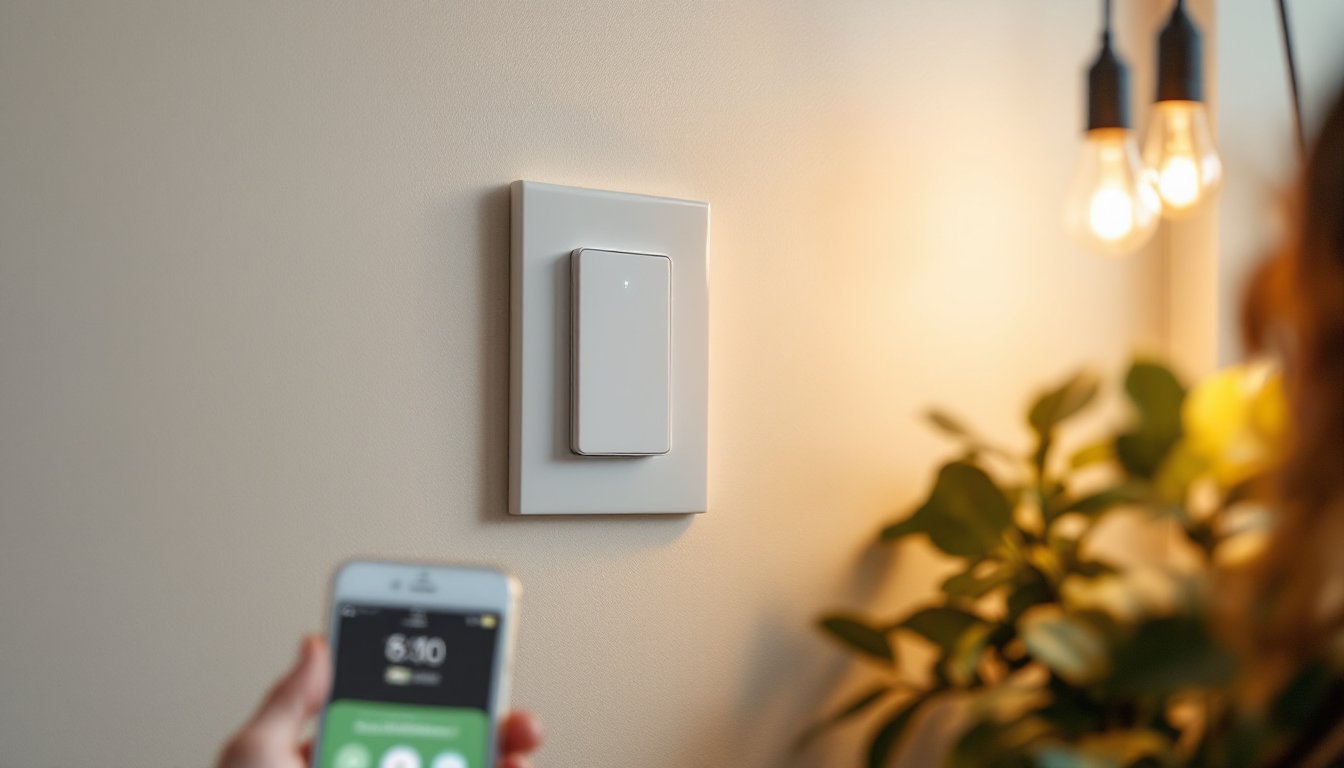
ToggleIf you’ve been thinking about ditching those old toggle switches for something smarter, a Wemo smart light switch might be exactly what you need. Unlike complicated smart home systems that require an electrician and a tech degree, Wemo switches slip right into your existing wall boxes, no rewiring, no complications. Homeowners and DIY enthusiasts are increasingly swapping out standard switches to control lights remotely, set schedules, and integrate with voice assistants. This guide walks you through what a Wemo switch is, how it works, whether it fits your home, and what you need to know before flipping that breaker off and getting started.
Key Takeaways
- A Wemo smart light switch replaces your standard toggle with an internet-connected device that controls lights remotely via app or voice command, working with any bulb type without rewiring.
- Installation is DIY-friendly for homeowners—just turn off power at the breaker, swap wires to match your original configuration, and download the Wemo app to enable Wi-Fi connectivity.
- Wemo switches integrate seamlessly with Alexa, Google Assistant, and Apple Siri, letting you create powerful automation routines like ‘Leaving Home’ or ‘Good Night’ scenarios that control multiple devices.
- Real-time energy monitoring and away-mode security features help reduce electricity usage and deter intruders by simulating occupancy with randomized light patterns.
- Wemo smart light switches cost $30–50 per unit and require reliable Wi-Fi; start with high-traffic areas like entryways and bedrooms where remote control delivers the most convenience.
- Skip smart switches if your Wi-Fi is unreliable, your electrical setup is unusual, or you’re uncomfortable working inside wall boxes—professional electrician help is worth the investment for safety.
What Is a Wemo Smart Light Switch?
A Wemo smart light switch is an internet-connected device that replaces your standard light switch and lets you control lights from your phone, tablet, or voice assistant. Unlike plug-in smart bulbs that only work with certain fixtures, a smart switch works with any light connected to it, incandescent, LED, CFL, or fixture-mounted, giving you flexibility without forcing a bulb upgrade.
Wemo switches connect to your Wi-Fi network and communicate with the Wemo app, allowing remote on/off control from anywhere. They also pair with Amazon Alexa, Google Assistant, and Apple Siri, so you can bark commands instead of reaching for your phone. Think of it as the bridge between your existing electrical setup and modern smart home convenience.
These switches install directly into your wall box in place of the original switch. The standard Wemo switch is rated for 600 watts on incandescent loads and 1,000 watts on resistive loads, which covers most household lighting. They come in single-pole and 3-way configurations: single-pole handles one switch controlling one light, while 3-way lets two or more switches control the same fixture, say, one at the top and bottom of a staircase.
Key Features and Benefits
Remote Control and Voice Integration
Remote control is the headline feature. Lights off when you leave home? App tap and done. Coming back from vacation and want lights on when you arrive? Schedule it. Voice commands eliminate the reach-for-your-phone step: “Alexa, turn off the bedroom light” beats walking to the switch every time.
Scheduling and automation are game-changers for security and convenience. Set lights to turn on at sunset or off at 11 p.m. Create routines, morning scene that slowly brightens the bathroom light, evening routine that dims hallway lights. Smart light switches have become standard in home automation, and Wemo integrates seamlessly with routines across platforms.
Energy monitoring is another practical benefit. Wemo switches track power usage in real time, letting you see which lights drain the most electricity. Homeowners often find that tracking usage encourages smarter habits, turning off lights in unoccupied rooms becomes automatic when you see the wattage drop.
Away mode is invaluable for security. Random light patterns simulate occupancy when you’re traveling, making your home look lived-in. Set different rooms to turn on and off at staggered intervals, and you’ll fool potential intruders far more convincingly than a simple “all lights off” setting.
Installation Basics for Homeowners
Installation is straightforward for anyone comfortable working inside a light switch box, but it does require turning off power at the breaker. Here’s what you need to know upfront:
Before You Start:
- Turn off power at the breaker and verify it’s off using a non-contact voltage tester (not negotiable for safety).
- Check that your switch box has enough space. Wemo switches are slightly bulkier than standard toggles, and tight boxes can be a squeeze. If your box feels cramped, you may need a box extender.
- Confirm your wall box configuration. Standard single-pole switches have two wire terminals (plus ground and neutral). Three-way switches (two controlling one light) have three terminals and require a Wemo 3-Way add-on switch for the secondary location.
Installation Steps:
- Kill power at the breaker, then remove the old switch by unscrewing the terminal screws and gently pulling the switch out.
- Note wire placement, most switches have hot (typically black), neutral (white), and ground (bare copper or green). Take a photo if you’re uncertain.
- Connect the Wemo switch wires to match the original configuration. Black wire to the hot terminal, white to neutral, ground to ground.
- Gently push the switch into the box, screw the faceplate, and restore power.
- Download the Wemo app, create an account, and connect your switch to Wi-Fi.
Common Pitfalls:
Tight switch boxes cause most installation headaches. If pushing the switch in feels forced, don’t jam it. Instead, use a box extender ring (about $3) to give you the extra half-inch you need. Loose connections at the terminals are another culprit, make sure screw terminals are hand-tight but not over-tightened, which can damage the switch.
If your home has old aluminum wiring or you’re unsure about your electrical setup, call a licensed electrician. It’s not worth a fire risk. Likewise, if you’re working on a 3-way switch setup with 4-conductor wiring, the configuration gets tricky and warrants professional help.
Smart Home Integration and Automation
Wemo switches shine when integrated into a broader smart home setup. They talk to popular ecosystems without proprietary hub requirements, Alexa, Google Home, Apple Home, and Samsung SmartThings all support them natively.
Voice control integration is seamless. Link your Wemo account to Alexa or Google, and the switch appears in your voice app immediately. Name it intuitively, “bedroom lamp,” not “switch_2”, and commands work naturally. “Alexa, turn on the kitchen light” is far simpler than fumbling for your phone.
Routines are where smart switches deliver real value. Create a “Leaving Home” routine that turns off all lights, locks your door, and arms your security system with one voice command. An “Arriving Home” routine turns on entry lights and adjusts thermostats. A “Good Night” routine closes blinds, locks doors, and dims bedroom lights progressively.
Automation workflows extend beyond voice. Set a rule that turns on hallway lights at 10% brightness when motion is detected after sunset. Create a schedule that gradually brightens bedroom lights at 6:30 a.m. to simulate sunrise, easing your wake-up routine. Wemo’s integration capabilities rival other premium smart switches without the premium price tag on every switch.
For multi-room control, Wemo’s group feature lets you bundle switches into zones, “master bedroom,” “downstairs,” “entryway”, so you can control multiple lights with one command. This is especially helpful for large homes or complex lighting scenarios.
Is a Wemo Switch Right for Your Home?
Not every home needs smart switches, and that’s okay. Ask yourself a few questions to decide:
Consider Wemo switches if:
- You want remote control over frequently-used lights without rewiring.
- You’d benefit from automation routines (morning/evening/away scenarios).
- You already own Alexa or Google devices and want integration.
- You rent but have landlord approval for switch replacement (Wemo switches are easily reversible, keep the old switch).
- You’re building a broader smart home ecosystem and want devices that talk to each other.
Skip them if:
- You rarely use remote control features and don’t want Wi-Fi-dependent devices in your home.
- Your Wi-Fi is unreliable or weak in target areas (switches need solid signal).
- Your electrical setup is unusual or you’re uncomfortable working inside wall boxes.
- Budget is tight: basic switches cost $1–2, Wemo switches run $30–50 per unit, so a whole-house retrofit adds up.
The reality check: Wemo switches require Wi-Fi connectivity. If your internet goes down, voice control and remote features don’t work, though the physical switch still operates normally. Some homeowners prefer simplicity over automation: there’s no shame in that. If you do invest in a Wemo smart light switch for your setup, start with high-traffic areas, entryway, kitchen, bedroom, where remote control and scheduling deliver the most convenience.
Conclusion
A Wemo smart light switch offers DIY-friendly automation without the complexity or cost of a whole-home rewire. Installation is within reach for most homeowners, integration with existing smart ecosystems is seamless, and the convenience payoff is real. Start small, test the workflow, and expand as you get comfortable. Smart lighting is no longer a luxury, it’s practical home improvement that pays dividends in daily convenience and long-term flexibility.


