

Table of Contents
ToggleSmart outlets turn any plugged-in device into a remote-controlled, scheduled appliance, a straightforward way to add automation to your home without rewiring. Google smart outlets work with the Google Home ecosystem and let you control lamps, fans, coffee makers, and more using voice commands or your smartphone. Whether you’re tackling your first smart home project or expanding an existing setup, this guide covers what these devices do, which ones work best, how to install them, and whether they’re worth the investment.
Key Takeaways
- Google smart outlets plug directly into any standard outlet with no electrician or permits needed, making them the simplest way to automate existing appliances like lamps, fans, and coffee makers.
- Popular brands like TP-Link Kasa and Wyze smart plugs integrate seamlessly with Google Home for voice control and remote scheduling, with prices ranging from $10–$50 depending on features like energy monitoring.
- Setup takes about 10 minutes through the Google Home app using your home Wi-Fi network (2.4GHz recommended), and you can create routines to automate multiple devices with a single voice command.
- Smart outlets help reduce phantom power draw and shift high-energy devices to off-peak hours, potentially saving $50–$150 annually while keeping hard-to-reach outlets controllable by voice or smartphone.
- Safety requires avoiding extension cords, keeping outlets away from water and damp areas, and checking the amperage rating (usually 15A maximum) before plugging in high-current devices like space heaters.
- Smart outlets are low-risk entry points for testing the smart home ecosystem before investing in costly smart switches or full lighting systems.
What Is a Google Smart Outlet?
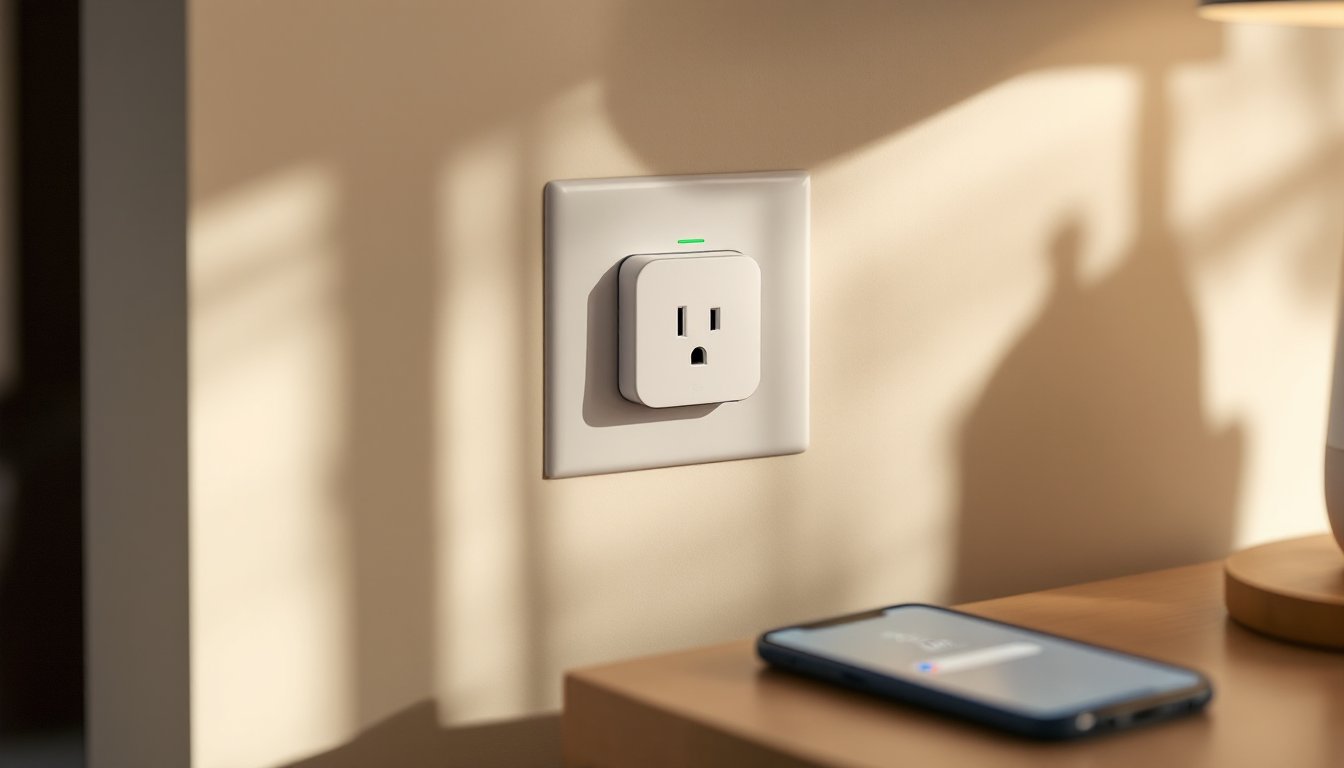
A Google smart outlet is a plug-in device that sits between your wall outlet and any electrical appliance. It connects to your home Wi-Fi and pairs with the Google Home app, letting you turn devices on and off remotely, schedule them to run at specific times, and control them with voice commands through a Google Home speaker or your phone.
Unlike hardwired smart switches that require an electrician and possibly permits, smart outlets plug straight into any standard outlet, no tools, no walls opened, no licensing needed. They’re available in two main types: plug-in power strips (with multiple outlets) and individual smart plugs (single outlet, compact). Some models include energy monitoring so you can see how much power individual devices use, helping you spot energy waste.
Think of them as a bridge between your older appliances and modern automation. Your ten-year-old desk lamp becomes schedulable. Your space heater can turn on ten minutes before you wake up. A rarely-used holiday light display stops drawing phantom power when you’re not using it. They’re especially handy for devices you’d rather not swap out for “smart” versions, the ROI makes sense.
Top Google Smart Outlet Options to Consider
The market offers several solid choices that work reliably with Google Home. Google Nest Mini + a third-party smart plug is the most affordable entry point, pairing Google’s speaker ecosystem with plugs from brands like TP-Link, Wyze, or Amazon basics. If you want a dedicated Google-branded option, the Google Home app controls many officially-supported plugs.
For reliability and features, TP-Link Kasa plugs and Wyze Smart Plugs are popular picks that consistently rank well in independent reviews. TP-Link models often include energy monitoring and are known for stable Wi-Fi performance. Wyze plugs tend to be cheaper and work just as well for basic on/off scheduling, though they lack built-in monitoring.
If you need multiple outlets from one unit, power strips with smart control, like some TP-Link or Kasa models, let you manage 3–6 devices at once and can be cheaper than buying individual plugs. Just verify that any strip you choose explicitly lists Google Home compatibility before buying.
Independent reviewers have tested many models across different use cases. When comparing top-rated smart plugs, look for consistent ratings around energy monitoring accuracy, Wi-Fi stability, and voice control response time.
Compatible Devices and Brands
Google Home works with most major smart plug brands, though you should confirm compatibility before checkout. TP-Link Kasa, Wyze, Amazon Smart Plug, Gosund, and Teckin all integrate smoothly with Google Home through the Google Home app or by linking accounts.
Some brands require you to add a “Works with Google” skill or account link (for example, linking your Wyze account to Google), while others show up directly in the Google Home app. Lesser-known brands, particularly older or regional models, may not have Google support, so always check the product listing for “Google Home compatible” or “Works with Google Assistant.”
Brand compatibility matters less than consistent reviews and the features you actually need. A mid-range TP-Link or Wyze plug with energy tracking and stable reviews often outlasts a cheaper no-name option that drops Wi-Fi connection monthly.
How to Set Up and Install Your Smart Outlet
Setup takes about 10 minutes per plug and requires no special tools or skills. Here’s the process:
- Unpack and power on. Plug the smart outlet into a standard outlet, and it’ll emit a light or sound signal when powered up.
- Download or open the Google Home app. If you don’t have it, grab the free app from your phone’s app store.
- Add a device. Tap the “+” button in the app, select “Set up device,” and choose “Set up a new device in your home” (or link to an existing home if you’ve already created one).
- Select the device type. The app will either auto-detect the plug or ask you to choose the manufacturer. Follow the on-screen pairing prompts.
- Connect to Wi-Fi. The app will guide you to your home Wi-Fi network. Use 2.4GHz bands only, many smart plugs don’t support 5GHz, so if your router broadcasts both, temporarily switch to 2.4GHz during setup or disable 5GHz on a separate SSID.
- Name and place it. Give the outlet a descriptive name (“coffee maker,” “hallway fan”) and assign it to a room. This makes voice commands natural: “Hey Google, turn on the coffee maker.”
- Test the connection. Once added, toggle it on and off in the app to confirm it responds. Then test a voice command if you have a Google Home speaker.
Common setup hiccups: if the plug won’t connect to Wi-Fi, restart your router and the plug. If it connects but the app won’t find it, check that your phone and the plug are on the same Wi-Fi network (not a guest network). Some routers isolate guest networks from other devices: standard home networks don’t.
Once set up, create routines in the Google Home app to automate them further. For example, a bedtime routine can turn off the living room lamp and the TV automatically. These routines can also include other Google Home devices, a multi-step action with one voice command.
Real-World Benefits for Your Home
Smart outlets solve real problems without major renovation. Control hard-to-reach outlets behind furniture or in inconvenient spots by voice or app, no more crawling to unplug a lamp. Schedule devices to run during off-peak hours if your utility offers time-of-use pricing: your water heater or pool pump can shift to cheaper nighttime operation.
They’re safety tools too. Turn on outdoor lights when you’re away to deter break-ins, or schedule a hallway light to activate at sunset. Eliminate phantom power draw from devices in standby mode, a cable box or printer left on consumes electricity 24/7 even when not in use. Plugging them into a smart outlet and scheduling them to turn off nightly can recover $50–$150 per year depending on your utility rates and the device.
For renters and homeowners, smart outlets sidestep the rental agreement friction of installing switches. You can take them with you when you move. Parents use them to enforce screen time, plug your child’s tablet into a smart outlet and schedule it to power off at bedtime. Vacation is simpler: randomize lights and fans while you’re away to simulate occupancy without hiring a house-sitter.
They’re also a low-risk experiment if you’re unsure about committing to a smart home. Test the ecosystem at $15–$30 per plug before investing in costly smart switches or lighting systems.
Cost, Safety, and Practical Considerations
Smart outlet prices range from $10–$25 for basic single plugs and $20–$50 for power strips or models with energy monitoring. Brands like Wyze sit at the low end: TP-Link and Amazon at mid-range. Prices fluctuate by season and sales, so expect variance. A pack of four Wyze plugs might cost less than a single premium TP-Link model, but the TP-Link will likely have better Wi-Fi stability and built-in energy tracking.
Energy monitoring adds cost but provides transparency. If you want to measure how much power your refrigerator or space heater draws, choose a plug with integrated monitoring. For simple on/off scheduling, a basic plug works fine. Reviews showing Wi-Fi stability and responsiveness matter more than brand prestige: a $15 plug that works reliably beats a $40 plug that drops connection weekly.
Safety is straightforward. Never plug a smart outlet into an extension cord or power strip in high-power scenarios, the outlet and cord aren’t designed to handle daisy-chained loads. Don’t plug high-current devices like space heaters or air conditioners into most smart plugs: check the maximum amperage rating (usually 15A for standard outlets). If your space heater pulls 12 amps and the plug maxes at 15A, you’re cutting it close and risking overheating. When in doubt, use a basic outlet.
Also, keep smart outlets away from water. Kitchens and bathrooms are risky unless you’re using a fully weatherproof, GFI-protected outlet. Most consumer plugs aren’t waterproof and will short out if splashed. Location and common sense go a long way: use them in living rooms, bedrooms, and home offices, not near sinks or in damp basements.
Building codes don’t typically mandate permits for smart outlets since you’re not modifying the home’s electrical infrastructure, but local rules vary. If you’re unsure, ask your local building department. Recent expert testing of smart plugs shows most consumer models are reliable when used within spec, so choosing a well-reviewed option and following its guidelines minimizes risk.
Conclusion
Google smart outlets are a practical first step into home automation, no electrician, no permit, instant gratification. Start with one or two to test the experience, then expand if they fit your workflow. Pick a brand with solid reviews, follow the setup steps carefully, and pay attention to Wi-Fi stability. For most homeowners, they deliver real convenience and modest energy savings without the complexity of a full smart home overhaul.


