

Table of Contents
ToggleIf you’ve ever returned home to a house that’s either a sauna or a freezer, you know how frustrating climate control can be. The GE Cync smart thermostat solves that problem by letting you manage your home’s temperature from anywhere using your smartphone. Whether you’re at work, traveling, or just lounging on the couch, this device puts heating and cooling control at your fingertips. For DIY homeowners looking to upgrade their HVAC setup without very costly, the GE Cync offers a straightforward installation process and solid smart home integration. This review breaks down what makes it worth considering for your home improvement goals in 2026.
Key Takeaways
- The GE Cync smart thermostat enables remote temperature control and scheduling from your smartphone, allowing you to manage heating and cooling from anywhere and potentially save 10–15% on energy costs through automated adjustments.
- Most DIY homeowners can install the GE Cync themselves in 30–45 minutes with basic tools, though compatibility verification and proper wiring documentation are essential to avoid HVAC system damage.
- The GE Cync smart thermostat integrates seamlessly with Google Home and Google Assistant for voice control, plus works with the broader GE smart home ecosystem, making it ideal for budget-conscious smart home builders.
- Real-time energy monitoring helps you spot inefficiencies and track temperature trends, enabling informed decisions about thermostat settings based on actual usage data rather than guesswork.
- Geofencing automatically adjusts temperature when you leave or approach home, and compatibility with IFTTT allows custom automation routines like activating whole-house fans at specific temperature thresholds.
- Verify Wi-Fi connectivity and HVAC system compatibility before purchasing, as a strong Wi-Fi signal is essential and some older or specialized setups may require professional installation.
What Is the GE Cync Smart Thermostat?
The GE Cync smart thermostat is a Wi-Fi-enabled device that replaces your existing wall-mounted thermostat and connects directly to your home’s heating and cooling system. Unlike basic programmable thermostats, the Cync learns your preferences and adjusts temperature automatically based on occupancy, weather, and time of day.
This is a cosmetic and functional upgrade, not a structural modification, so most homeowners can handle installation themselves without calling an HVAC technician, though you’ll want to verify compatibility with your system first. The sleek touchscreen display shows your current temperature, humidity, and system status at a glance. Because it’s made by GE, a company with deep roots in home appliances and smart home ecosystems, the device integrates smoothly with Google Home and other popular platforms.
One key distinction: the Cync isn’t a learning thermostat in the same league as some premium models, but it’s priced competitively and performs reliably for standard residential setups. If you’re replacing an old mercury or mechanical thermostat, this is a meaningful step forward.
Key Features and Capabilities
Remote Temperature Control and Scheduling
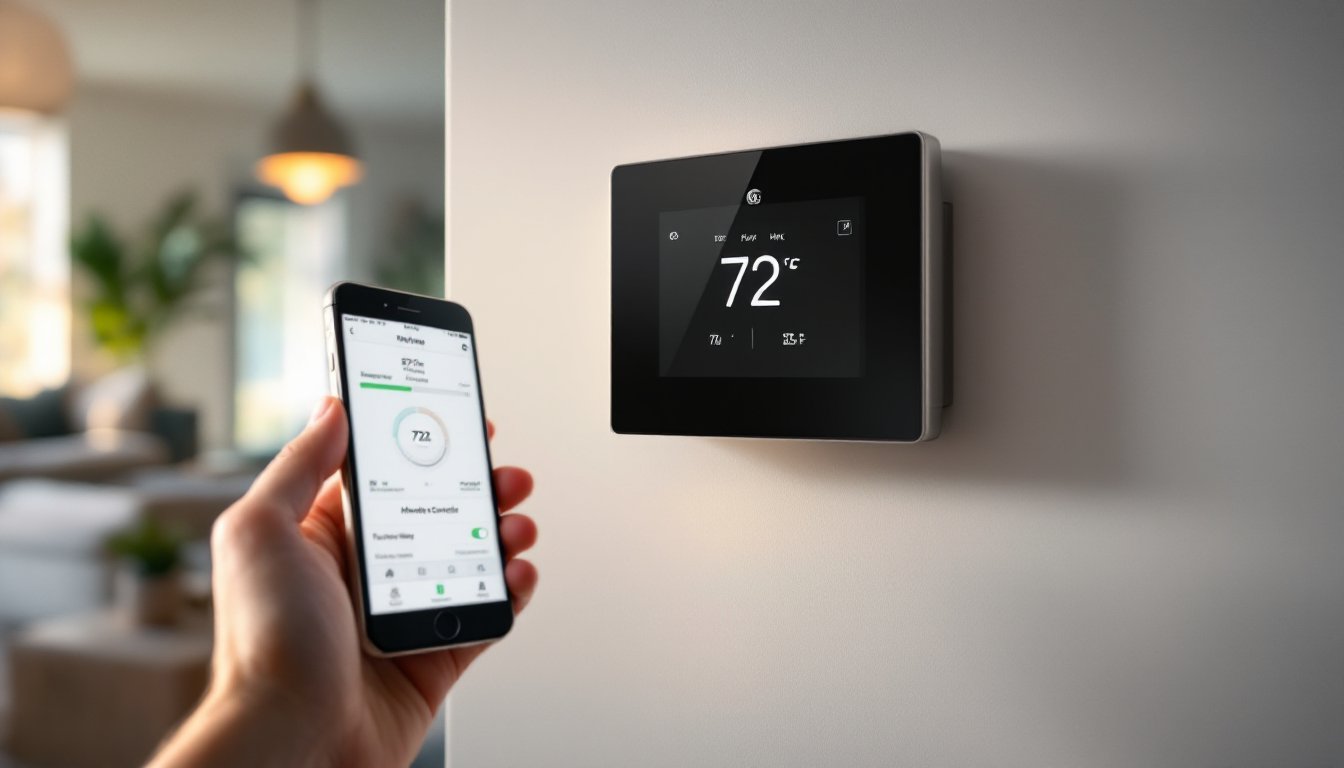
The killer feature here is remote access through the GE Cync mobile app. From anywhere with an internet connection, you can bump the heat up before you get home or cool things down while you’re away. No need to wait for the house to reach a comfortable temperature, you’re already ahead of the game.
Scheduling is straightforward: set different temperature targets for weekdays, weekends, and specific times. If your routine is predictable (e.g., you leave for work at 8 AM and return at 6 PM), the thermostat can automatically dial back the HVAC during those hours. According to independent reviews, this scheduling feature alone can reduce energy waste by 10–15% for households with regular patterns.
The geofencing feature is a nice touch, the app can detect when you leave home and adjust the thermostat automatically, then warm things up or cool things down as you approach. It’s not foolproof (neighbors’ phones can sometimes trigger false positives), but it works well in most scenarios.
Energy Monitoring and Cost Savings
The Cync displays real-time energy usage, showing you exactly how much your heating or cooling is costing. This transparency helps you spot inefficiencies, if your system is running constantly, you’ll see it immediately. Over time, you can tweak your schedule and habits based on actual data rather than guessing.
Energy savings depend heavily on your climate and how disciplined you are with scheduling, but independent testing confirms that active users see measurable reductions in monthly utility bills. If you live in a region with extreme seasonal swings, hot summers or cold winters, the potential savings climb higher. The device also tracks temperature trends, so you can see patterns and make informed decisions about thermostat settings.
Installation and Setup Process
Here’s the honest truth: most DIY homeowners can install the GE Cync themselves in 30–45 minutes, assuming your existing thermostat wiring is standard. But, some older homes or complex HVAC systems may require a professional, so verify compatibility before buying.
What You’ll Need:
• GE Cync thermostat unit (includes mounting plate and wall anchors)
• Flathead and Phillips screwdrivers
• Wire strippers (if you need to expose wire ends)
• Smartphone (for app setup)
• Wi-Fi connection in or near your thermostat location
The Process:
- Turn off power to your HVAC system at the breaker panel, this is non-negotiable for safety.
- Remove your old thermostat by unscrewing it from the wall and documenting which wires connect to which terminals (common labels are R, W, Y, G, C, take a photo for reference).
- Screw the GE Cync mounting plate to the wall, making sure it’s level using a spirit level.
- Connect your existing wires to the corresponding terminals on the Cync unit. Most residential systems have 4–5 wires, and the device clearly marks each terminal.
- Secure the Cync faceplate to the mounting plate and restore power at the breaker.
- Use the GE Cync app to complete Wi-Fi setup and create your account.
If your system uses a C-wire (common wire), connection is straightforward. Many older systems don’t have a dedicated C-wire, and the Cync can operate without one, though connectivity may be less stable. Before installation, confirm your HVAC system type (gas furnace, heat pump, electric resistance heating, etc.) because some configurations aren’t compatible.
If you’re uncertain about your wiring or have a high-voltage system (less common in residential homes), call a licensed HVAC technician. The cost ($150–$300) is worth avoiding a mistake that could damage your HVAC equipment or create a safety hazard.
Smart Home Integration and Compatibility
The GE Cync thermostat pairs seamlessly with Google Home and Google Assistant, allowing voice commands like “Hey Google, set the thermostat to 72 degrees.” This integration is one of the device’s strongest selling points. According to detailed reviews available at CNET, the thermostat’s affordability combined with solid Google integration makes it an attractive option for budget-conscious smart home builders.
The device also connects to the broader GE Cync ecosystem, which includes smart lights, plugs, and switches. If you’re already invested in GE’s smart home lineup, the thermostat becomes part of a unified system. But, if you’re an Apple HomeKit user, compatibility is limited, you’ll need a workaround through third-party apps or automation platforms.
Alexaintegration is available but less robust than Google Home. For automation enthusiasts, the Cync works with IFTTT (If This Then That), so you can create custom routines, like turning on a whole-house fan when the thermostat reads above 78 degrees.
Most HVAC systems from the last 15–20 years are compatible with the Cync, but Digital Trends recommends checking your equipment type before purchasing. Heat pumps, gas furnaces, and hybrid systems all work, but some older or specialized setups may not. The GE website has a compatibility checker that takes the guesswork out of it.
Wi-Fi connectivity is essential, the thermostat needs a strong signal (ideally 2.4 GHz band) to function reliably. If your home’s Wi-Fi doesn’t reach your thermostat location, you may need to add a Wi-Fi extender, which adds another $30–$60 to your project cost. According to Tom’s Guide, connectivity issues are rare but worth considering during planning.
Conclusion
The GE Cync smart thermostat delivers solid functionality at a reasonable price point for homeowners ready to upgrade their climate control. It installs cleanly on your own (in most cases), integrates well with Google Home, and offers genuine energy-saving potential through remote scheduling and usage monitoring. If you’re building out a smart home and want a thermostat that plays nicely with Google or other GE devices, this is a practical choice. Just verify compatibility beforehand and ensure your Wi-Fi signal reaches the thermostat location, those two details prevent almost all installation headaches.


