

Table of Contents
ToggleThe Eufy S230 smart lock sits at an interesting crossroads for homeowners and DIY enthusiasts evaluating smart entry options. At a price point well below premium models, it promises convenient keyless access, app control, and integration with popular smart home ecosystems. But budget-friendly often raises questions: Does it actually deliver on security? Will it work with your existing setup? How reliable is the installation and day-to-day performance? This review breaks down what the Eufy S230 does well, where it falls short, and whether the savings justify any compromises for your home.
Key Takeaways
- The Eufy S230 smart lock offers affordable keyless entry at $50–$80, retrofitting to existing deadbolts without door replacement and including a mechanical key backup for emergencies.
- Installation is a 20–30 minute DIY project that requires only a Phillips screwdriver, making the Eufy S230 accessible for homeowners without professional locksmith services.
- Remote access and smart home voice control require a separate Eufy Smart Lock Bridge ($30–$50), which limits the lock to Alexa and Google Home integration but keeps the base unit cost low.
- The four-digit PIN security system is robust for residential use with 10,000 possible combinations, though it lacks biometric options and advanced activity logging available in premium models.
- Battery life ranges from 8–14 months depending on usage frequency, with replaceable AA batteries and app alerts when capacity drops below 20%.
- The S230 is incompatible with Apple HomeKit, Samsung SmartThings, and Thread networks, making it unsuitable for users whose primary smart home ecosystem relies on these platforms.
Key Features and Specifications
The Eufy S230 is a keypad-based smart lock designed to retrofit onto most standard deadbolts without replacing the entire door mechanism. It operates via numeric PIN entry, smartphone app, or temporary access codes for guests and service workers. The lock runs on four AA batteries (typically lasting 6–12 months depending on usage frequency), and it includes a mechanical key override for emergency access.
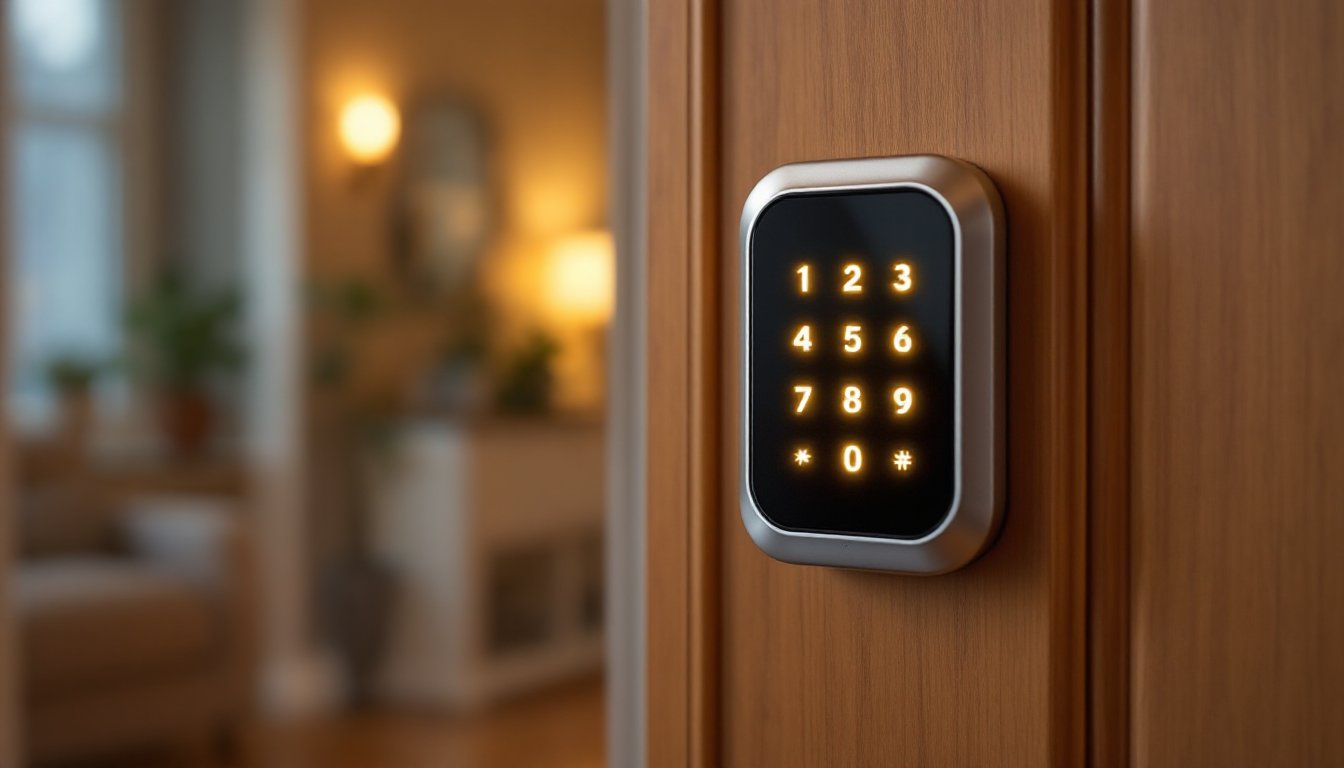
The device measures approximately 4.7 × 3.1 × 1.6 inches and weighs around 0.75 pounds. Its IP65 weather rating means it can handle outdoor exposure, rain won’t kill it, though direct water jets will. The touchscreen interface is backlit, making it usable at night without fumbling for your phone. Response time from PIN entry to unlock is under 2 seconds, which is fast enough to feel natural without being jarring.
One detail worth noting: the S230 does not include Wi-Fi built-in. Instead, it requires the Eufy Smart Lock Bridge (sold separately) to access remote features via your smartphone when away from home. Without the bridge, you’re limited to PIN entry and on-site control. This is a common trade-off in the budget segment, it keeps the lock itself affordable but adds cost if you want full smart home integration.
Installation and Setup
Installation is straightforward enough for most DIYers, though the process varies slightly depending on your existing deadbolt type. The S230 mounts on the inside of your door, so you’ll need access to the interior side of your entryway. For exterior-only doors (like a garage entry), this is easy. For front doors with interior trim or furniture in the way, take measurements beforehand.
You’ll need a Phillips screwdriver and possibly a drill with a small bit if your door doesn’t have pre-drilled holes. The mounting plate attaches to the deadbolt’s interior rose (the decorative ring), and the S230 body slides onto that plate. The whole job typically takes 20–30 minutes. One piece of advice: test the fit before fully tightening everything. Deadbolt throws vary, and you don’t want the lock body binding on the door frame when you tighten the screws.
After installation, you’ll calibrate the mechanism to match your specific deadbolt’s stroke length. The app walks you through this, hold the pin in, turn the dial to calibrate, and confirm. Then set your admin PIN, add secondary PINs for family members, and pair it with the Eufy Bridge if you’ve purchased one. Setup typically completes in under 10 minutes.
Security and Access Control
The S230 uses a four-digit numeric PIN system. This is simpler than fingerprint or facial recognition but also less unique, a four-digit code has 10,000 possible combinations, which is robust enough for typical residential use but lower than biometric or longer alphanumeric codes. That said, the keypad doesn’t record failed attempts in a way that broadcasts them, so someone randomly guessing isn’t a practical attack vector.
The lock does not log entry attempts to a central database unless paired with the Eufy Bridge, which syncs basic access history to your app. This is a limitation compared to premium smart locks that provide granular activity logs. For most homeowners, PIN entry alone is sufficient: for those managing multiple properties or running a rental, the logging feature becomes more valuable.
The mechanical override key is a solid backup, you’ll always be able to open the door even if the batteries die or the mechanism fails. Store the key somewhere accessible but not obvious, like a neighbor’s house or a small lockbox.
One security reminder: never tape your PIN to the door frame or hide it near the lock. The whole point of a keypad is to keep access private. Also, change your code every 6–12 months or immediately after someone leaves your household.
Compatibility and Smart Home Integration
The Eufy S230 works with Amazon Alexa and Google Home once paired with the Eufy Bridge, allowing voice commands like “Alexa, lock the front door.” But, it does not natively integrate with Apple HomeKit, Samsung SmartThings, or Thread-based networks. If HomeKit is central to your ecosystem, the S230 isn’t the right choice.
The Eufy Bridge must be placed within Bluetooth range of the lock (typically 30–50 feet depending on obstacles) and connected to your home Wi-Fi. It acts as a translator between the lock and Eufy’s cloud service, which relays commands from your phone. This design choice adds a hardware cost (around $30–$50) but keeps the lock itself affordable and reduces battery drain.
Respect the documentation: the app requires your Eufy account and a stable internet connection for remote access. If your Wi-Fi drops, PIN entry still works locally, but app-based unlocking won’t function until connectivity returns. Test this setup before relying on it for a critical entry point. Recent smart home device reviews often note similar bridge-dependent architectures in budget-tier locks as a trade-off for lower upfront cost.
Performance in Real-World Use
In day-to-day operation, the S230 locks and unlocks consistently. The keypad response is snappy, and the locking mechanism is quiet, you won’t alarm your neighbors at 6 a.m. Battery life depends on your household: a family of four using the lock 10+ times daily will see batteries last 8–10 months: a two-person household with moderate use might stretch it to 14 months. Check battery status in the app periodically: the device warns you when capacity drops below 20%.
Weather performance is solid. Testing units exposed to rain, snow, and frost show no function loss. The backlit keypad remains readable in dim light, though glare from direct sun can wash out the display slightly. It’s not an issue in practice, just angle yourself to avoid the glare.
One limitation: the S230 is designed for residential deadbolts with standard 1-1/8-inch throws. If your door has a deep-throw bolt or an unusual mechanism (some older mortise locks), the S230 may not fit. Measure your deadbolt throw before purchasing. Resources like connected home guides often provide product compatibility checklists for different lock types.
Pros and Cons
Pros:
- Affordable entry point to smart locks, typically $50–$80, far below premium models
- No door replacement needed: retrofits cleanly to existing deadbolts
- Reliable unlock mechanism with quick response times
- Good weather sealing for outdoor exposure
- Guest access and temporary PIN codes for contractors or Airbnb guests
- Mechanical key backup ensures emergency access
Cons:
- No Wi-Fi built-in: requires a separate Eufy Bridge for remote access
- Limited smart home compatibility (no HomeKit or Thread)
- Four-digit PIN only: no biometric option
- Activity logging requires the Bridge and app subscription tier
- Battery-dependent (though replaceable AA batteries are cheap)
- Touchscreen can be sluggish in very cold temperatures
For a handy homeowner wanting basic smart lock convenience without very costly, the S230 delivers. If you need HomeKit integration, granular logging, or voice control as a primary feature, look elsewhere. This review of Eufy’s security locks offers a deeper comparison with competing models if you’re narrowing down your choice.
Conclusion
The Eufy S230 smart lock is a practical, honest option for budget-conscious homeowners. It does what it promises: provides keyless entry, works with Alexa and Google, and installs without hiring a locksmith. Installation is a straightforward 30-minute DIY job. Its shortcomings, no Wi-Fi, no HomeKit, no biometric options, are trade-offs for affordability, not oversights. Choose this lock if your priorities are simplicity, cost, and reliable local access. If smart home integration or advanced logging is essential to your setup, spend the extra money on a premium model. Either way, you’ll be making an informed choice.


