

Table of Contents
ToggleA smart light switch is one of the easiest smart home upgrades you can tackle, no rewiring the whole house, no calling an electrician. The Govee Smart Light Switch has become a popular choice for homeowners looking to add automation to existing setups without very costly. If you’re considering upgrading from traditional dumb switches, you’ll want to understand what this device actually does, how hard it is to install, and whether it plays nicely with your other smart home gear. This review breaks down the real features, honest installation realities, and honest pros and cons so you can decide if it’s worth the swap.
Key Takeaways
- The Govee Smart Light Switch is a budget-friendly smart home upgrade ($35–$50) that replaces traditional wall switches with Wi-Fi-enabled dimming and remote control without requiring smart bulbs or an electrician.
- Matter certification ensures broad compatibility across Amazon Alexa, Google Home, and Apple Home ecosystems, future-proofing your investment against vendor lock-in.
- Installation requires a neutral wire in your electrical box—a critical compatibility check, especially for homes built before the 1980s, before purchasing a Govee Smart Light Switch.
- The physical switch remains fully functional for manual operation, so family members and guests can use it without apps, while automations and voice control integrate seamlessly with existing smart home devices.
- Wi-Fi dependency means remote control stops during internet outages, though the physical switch continues to work normally, making mesh Wi-Fi or signal strength critical in older homes.
- Single-pole switch compatibility covers most standard light controls, but three-way switches and specialized dimmers require additional hardware or alternative solutions.
What Is a Govee Smart Light Switch?
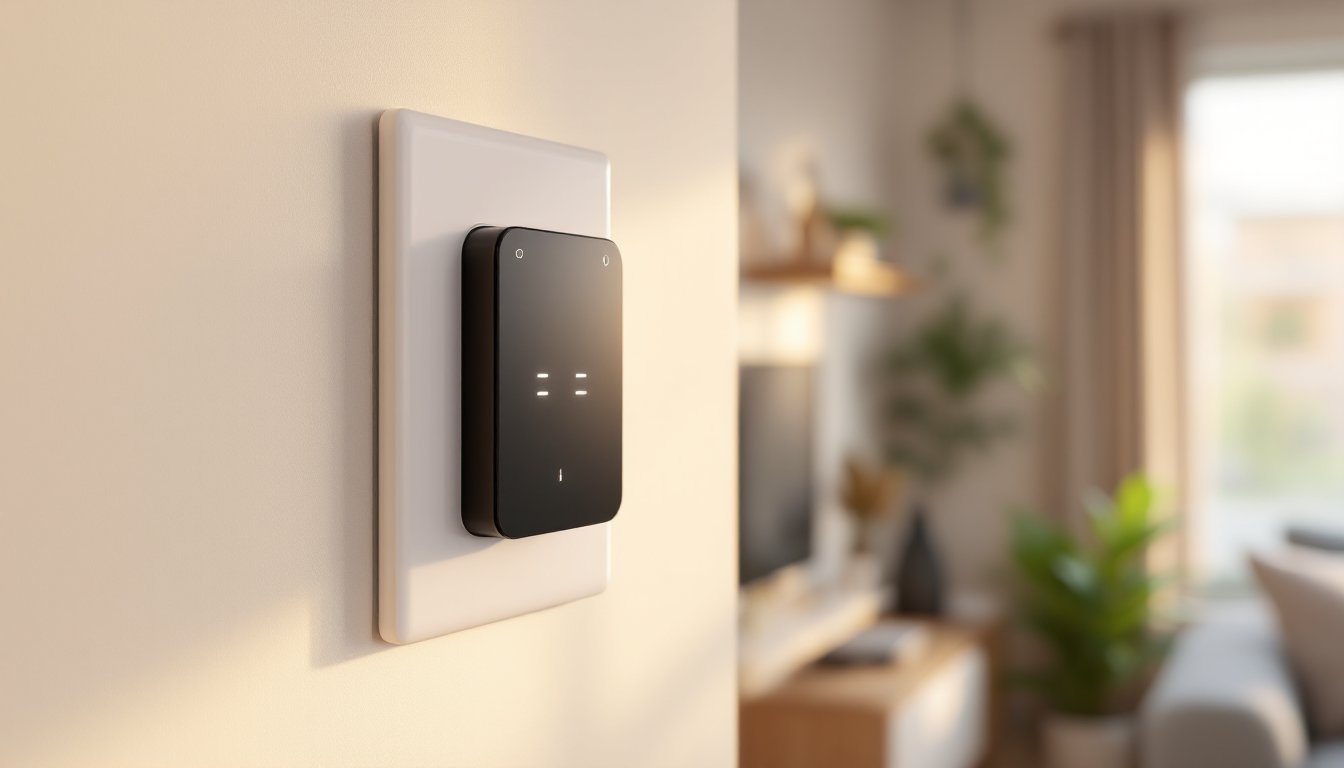
A smart light switch is a direct replacement for your standard wall switch that adds automation, remote control, and scheduling capabilities. The Govee Smart Light Switch fits into a standard electrical box and controls your lights through Wi-Fi, cutting the need for smart bulbs or a separate hub in most cases.
Unlike smart bulbs, which let you change color and brightness but still require you to remember where the physical switch is, a smart switch sits in the familiar spot where your old switch lived. This matters more than it sounds, family members and guests automatically flip switches at the wall, so the switch itself needs to work that way, too. The Govee switch does exactly that: it’s mechanical as well as electronic, so it responds to physical presses and app commands.
The switch itself is a neutral wire installation, which is important if you’re checking compatibility. Your home’s electrical boxes need a neutral wire (the white wire bundle) to power the smart switch continuously. Older homes or certain circuits might lack this: it’s worth confirming before you buy. The device handles standard 120V residential circuits and works with incandescent, LED, and CFL bulbs, just not with certain specialized dimmers or non-dimmable LED strings.
Key Features & Capabilities
The Govee Smart Light Switch delivers the basics you’d expect plus a few useful extras. It supports both on/off and dimming control through the app, meaning you’re not limited to binary on-or-off commands. The physical switch still works as a regular switch, but toggling it sends status updates to the app and triggers automations if you set them up.
One of the stronger points is Matter support, the new industry standard for smart home interoperability. Devices with Matter certification can talk to each other across platforms, Amazon Alexa, Google Home, Apple Home, without getting locked into one brand’s ecosystem. The Govee switch has this built in, which protects your investment if you ever switch platforms.
The dimming is smooth, not stepped, so you’re not stuck with 10 brightness levels. Most homeowners find this more natural when they’re adjusting lighting for different times of day. Load capacity is rated for 15 amps on a 120V circuit, which covers standard household lighting: if you’re running a circuit with high-draw fixtures or multiple outlets, you’ll already know you need a contractor’s input, not a DIY switch.
App Control & Automation
The Govee app lets you control the switch remotely, schedule it on a timer, or create automations tied to other smart home devices. Need the hallway light to turn on at sunset? That’s a quick routine. Want it to flash red if your security camera detects motion? More complex automations are possible if your smart home hub supports them.
The app interface is straightforward, less cluttered than some competitors, and adding the switch to your network is a standard QR code scan. Govee’s servers handle the cloud communication, so internet outages mean remote control stops working, though the physical switch still operates normally. If privacy is a concern, just know that Govee does collect basic usage data: you can review their privacy policy if that matters to your decision.
Voice control works if you’ve paired the switch with Alexa or Google Home. You get the obvious commands, “Alexa, turn on the kitchen light”, plus dimming if you phrase it right (“Alexa, set the living room to 50 percent”). Response time is usually quick, under a second, though it depends on your Wi-Fi signal.
Installation & Compatibility
Installation is well within DIY territory for anyone who’s changed a switch before. Turn off power at the breaker, non-negotiable safety step. Use a voltage tester to confirm the power is actually off: don’t trust the breaker label alone. You’ll need basic tools: a flathead screwdriver, a wire stripper, and needlenose pliers.
The process follows standard electrical convention. Remove the old switch, disconnect the wires (black hot, white neutral, bare copper ground), connect the same wires to the Govee switch terminals using the included wire nuts, and screw the switch into the box. The Govee switch is slightly thicker than a standard switch, so if your box is crammed with other wires, you might need to carefully fold them to fit.
This requires a neutral wire in your electrical box. Not every old circuit has one. If your home was built before the 1980s or uses certain old wiring schemes, you might not have a neutral available in every box. You can check by turning off power and looking at the wire bundle in the box, the neutral is a white wire, usually bundled separately. If it’s not there, the switch won’t power up, and you’ll need to call an electrician to run one. This is not a failure on Govee’s part: it’s a limitation of older home wiring.
Smart Home Integration
The switch integrates smoothly with Matter-compatible hubs and platforms. If you already own an Amazon Echo with a Hub, Google Nest Hub, or Apple HomePod mini, the Govee switch will recognize these during setup. Matter support means you’re not locked into the Govee ecosystem: independent reviews confirm it works across platforms.
For those without a dedicated hub, the Govee app works directly on your phone over Wi-Fi as long as the switch is on the same network as your router. If your Wi-Fi is weak in the room where you’re installing, the switch might drop offline periodically: a mesh Wi-Fi system or router extender in the area solves this. Tech reviewers have noted that some users experience intermittent connectivity in older homes with thick walls and interference, so placement and signal strength matter.
If you’re expanding a smart home ecosystem, the Govee switch plays well with other standard devices, cameras, sensors, thermostats. It doesn’t require a proprietary Govee hub if you’re just using the app, though adding one gives you more sophisticated automations and faster response times.
Pros & Cons for Homeowners
Strengths:
• Budget-friendly pricing compared to other smart switches: a single switch typically costs $35–$50 depending on sales.
• Matter certification means broad compatibility and future-proofing: you’re not betting on Govee staying in business.
• Physical switch still works normally, so elderly family members or guests don’t need to download an app.
• Dimming without smart bulbs simplifies setups where you want mood lighting but aren’t ready to replace all bulbs.
• Straightforward app and quick setup: most users report 10–15 minutes from box to working automation.
• Independent reviews from sources like CNET’s Govee Smart Light Switch assessment highlight solid Matter performance and app reliability.
Weaknesses:
• Neutral wire requirement rules out installation in older homes or certain circuits: this isn’t a flaw, but it’s a dealbreaker for some.
• Wi-Fi dependent for remote control: a dead router means you’re back to the physical switch only.
• Limited to single-pole switches (the ones that control one light from one location): three-way switches (controlling one light from two locations) need special consideration or additional hardware.
• Automation complexity scales with your setup: if you don’t have a Matter hub or smart speakers, you’re limited to scheduled on-off and app control.
• Occasional latency in app response, especially over slower internet: physical switch response is instant.
• Reports suggest the lifespan of the Wi-Fi module isn’t guaranteed beyond a few years, so it’s worth considering as a consumable device rather than a lifetime fixture.
A Tom’s Guide review notes that the Govee switch punches above its weight for the price, though it doesn’t offer the premium feel of pricier alternatives like Lutron or Caseta.
Conclusion
The Govee Smart Light Switch is a solid entry point for homeowners adding smart control to existing fixtures. It installs quickly, integrates with major platforms via Matter, and won’t drain your budget. The main gotcha is the neutral wire requirement, confirm you have one before ordering.
If your home has modern wiring, you want basic dimming and scheduling without buying new bulbs, and you’re comfortable troubleshooting Wi-Fi occasionally, it’s a smart buy. For those in older homes or needing rock-solid reliability, a Digital Trends review notes that the budget-friendly angle is balanced by occasional connectivity trade-offs worth weighing against premium options. Install one, automate it, and see if it fits your workflow before rolling out a full ecosystem.


