

Table of Contents
ToggleIf you’re tired of fighting with your heating and cooling bills or wrestling with an ancient dial thermostat, the Honeywell T6 smart thermostat might be exactly what your home needs. This guide walks you through what makes the T6 stand out, how to install it yourself, and whether it’s the right fit for your HVAC system. We’ll skip the marketing fluff and focus on real performance, actual installation steps, and honest trade-offs so you can make an well-informed choice.
Key Takeaways
- The Honeywell T6 smart thermostat enables remote temperature control via smartphone and learns your schedule to reduce energy waste by 10–15% annually, potentially saving $150–$225 per year on HVAC costs.
- Installation is DIY-friendly and takes 30–45 minutes for most homeowners, but a missing C-wire (common wire) requires hiring an electrician for $150–$400 to ensure reliable Wi-Fi connectivity.
- The T6 works with forced-air heating, cooling, heat pumps, and multi-stage systems but does not support steam or radiant heat—verify compatibility with your current HVAC system before purchasing.
- Geofencing automatically shifts the thermostat to Away mode when your phone leaves a designated radius, eliminating energy waste from heating or cooling an empty home.
- Wi-Fi strength is critical for remote access and geofencing; weak router signals may limit functionality, so consider a mesh system or extender if coverage is poor near your thermostat location.
- At $200–$250 retail plus optional installation labor, the T6 pays for itself in 2–3 years when combined with utility rebates ($50–$100), making it a cost-effective upgrade from manual or basic programmable thermostats.
What Is the Honeywell T6 and Why It Matters
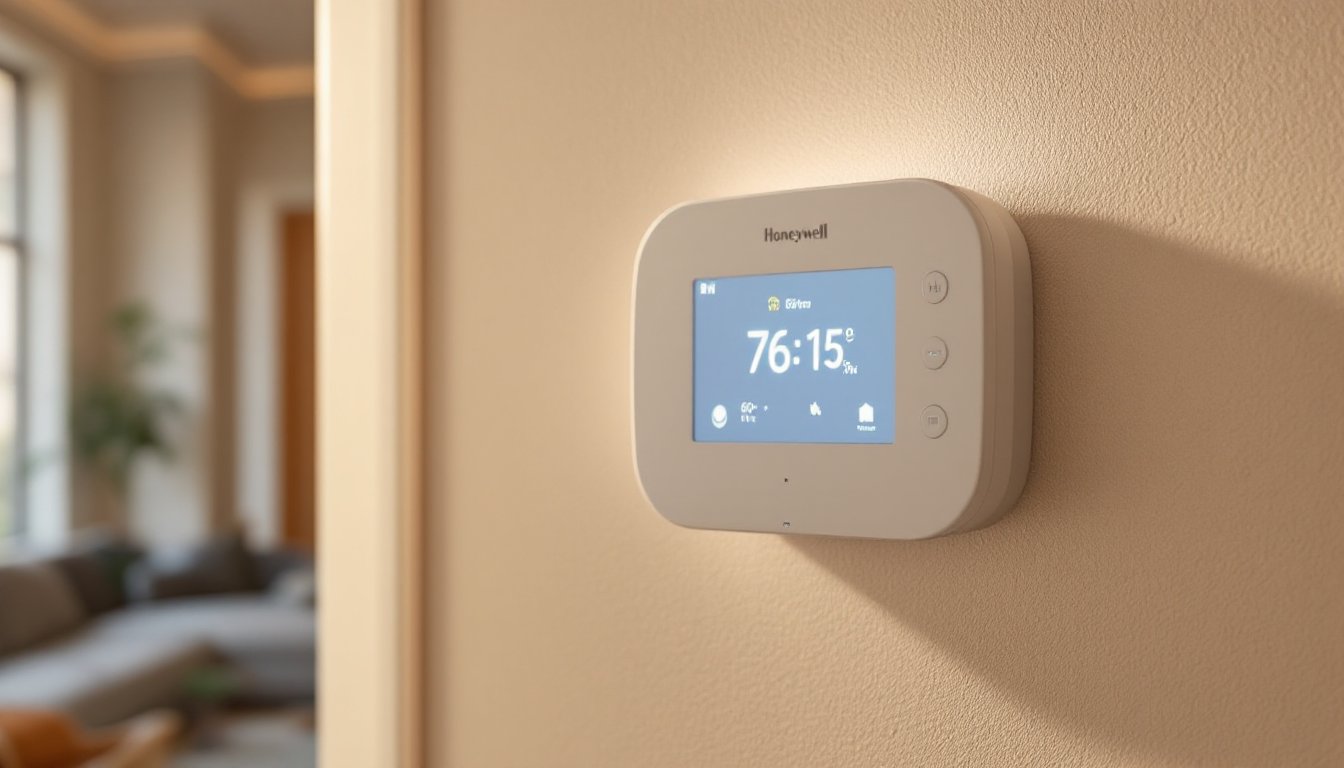
The Honeywell T6 is a Wi-Fi–enabled programmable thermostat that replaces your existing wall-mounted controller. Unlike basic programmable models, it connects to your home network and lets you adjust temperature from a smartphone, tablet, or computer, whether you’re at work or across the country.
Why it matters: Most homeowners waste energy heating or cooling an empty house. With remote access, you can warm your home before you arrive on a cold morning or hold steady temperatures when you’re away for days. The T6 learns your schedule patterns and can suggest adjustments based on your behavior, which genuinely reduces energy waste over time.
It’s also Wi-Fi native, meaning no separate hub or gateway is required, it connects directly to your existing home network. That simplifies setup and eliminates another piece of equipment to manage. For a thermostat that’s been around for a while, the T6 remains competitively positioned in the 2026 market because it does the job without over-complicating it.
Key Features and Smart Capabilities
The T6 packs several practical features that matter in everyday use:
Geofencing and Home/Away Detection, The thermostat monitors your phone’s location. When all phones tagged in the app leave a certain radius, the T6 can automatically shift to Away mode and dial back heating or cooling. It reverses when you head back, so your house reaches a comfortable temperature right as you walk in.
Touchscreen Display, The 3.5-inch color screen shows temperature, humidity, and weather at a glance. You can adjust settings directly on the unit or through the app, giving you flexibility whether you prefer wall control or remote management.
Energy Reports, The T6 tracks your usage and generates weekly summaries showing how your HVAC is performing. These aren’t flashy graphics: they’re actual data showing runtime, efficiency trends, and suggestions like “reducing your heat by 2 degrees could save 10% weekly.”
Compatibility, The T6 works with most conventional HVAC systems: forced-air heating, cooling, heat pumps, and multi-stage systems. But, it does not support steam or radiant heat systems. Before buying, confirm your system type: if you’re unsure, take a photo of your current thermostat’s wiring diagram or call your HVAC installer.
Voice Control Integration, The T6 pairs with Alexa and Google Home, letting you ask “Alexa, set the temperature to 72 degrees.” Voice commands are convenient but rely on your Wi-Fi connection and the associated voice platform’s availability.
Installation and Setup Made Easy
Installation is DIY-friendly if you’re comfortable with basic wiring. Most thermostats have four to six wires, each controlling a different function (heating, cooling, fan, etc.). Your job is matching those wires from the old thermostat to the T6’s terminal labels.
What You’ll Need:
- T6 thermostat kit (includes the unit, wall plate, batteries, and screws)
- Screwdriver set (flathead and Phillips)
- Pencil or tape (to label old wires before disconnecting)
- Wire strippers (if adding new wire runs: typically not needed for a replacement)
- Level (to hang the unit straight, thermostat accuracy depends on proper orientation)
Before You Start:
Turn off power to your HVAC system at the breaker or furnace switch. Labeling the old thermostat’s wires prevents costly rewiring mistakes. Take a photo of the wiring and terminal labels before touching anything.
Installation Steps:
- Power down your HVAC system.
- Remove the old thermostat cover and document all wire connections (note which wire goes to which terminal: R, Y, G, W, O, B).
- Disconnect the old unit carefully, some older thermostats contain mercury switches (rare but hazardous if broken).
- Install the T6 wall plate using the provided template, ensuring it’s level and centered at eye height (around 60 inches from the floor).
- Connect each wire to its corresponding terminal on the T6, matching the labels from your old thermostat. The R terminal (power) must always be connected: Y is cooling, W is heating, G is fan.
- Insert batteries and power the unit on. Navigate the setup menu to connect to your Wi-Fi network.
- Test the system: set heating and cooling modes to confirm the furnace and AC respond.
Common Pitfall: If your current thermostat wiring is incomplete (missing a common/C wire), the T6 will run on batteries but won’t stay connected to Wi-Fi reliably. If this applies, hire an HVAC technician to run a C-wire (common) from the furnace control board to the thermostat location. Plan for $150–$400 depending on distance and wall construction.
Timing: Expect 30–45 minutes for a straightforward replacement. If you need to add a C-wire or reroute cables behind walls, budget 2–3 hours or call a pro.
Energy Savings and Cost Benefits
How much can you actually save? Studies show that smart thermostats reduce heating and cooling energy use by 10–15% annually. For a household spending $1,500 yearly on HVAC, that’s roughly $150–$225 in annual savings. Over five years, that covers the T6’s cost ($200–$250 retail) plus installation if you do it yourself.
The T6 achieves these savings through:
- Precise scheduling, You set different temperatures for morning, work hours, evening, and sleep, rather than maintaining one temperature all day.
- Geofencing efficiency, It doesn’t heat or cool when nobody’s home, cutting waste significantly on irregular schedules.
- Usage insights, The energy reports help you spot inefficiencies (e.g., your AC running longer than usual signals a filter that needs changing or a refrigerant leak).
Your Mileage Varies: Savings depend on your climate, home insulation, system age, and how aggressively you adjust temperatures. A well-insulated home in a mild climate sees modest gains: an older, drafty house in harsh winters or hot summers benefits more. If your current thermostat is ancient or manually adjusted, you’ll feel a bigger difference than if you already have a basic programmable model.
Payback Period: With utility rebates (offered by many regional utilities), the payback drops to 2–3 years. Check with your local electric or gas company: Honeywell’s website lists participating utilities offering $50–$100 rebates for smart thermostat purchases.
Real-World Performance and User Experience
On paper, the T6 checks boxes. In practice, real users appreciate its reliability and straightforward interface. The touchscreen is responsive, and the app doesn’t require a separate cloud account or subscription, you connect once and it works.
One honest caveat: Wi-Fi connectivity can be spotty if your router is far from the thermostat or in an adjacent room. If your home’s Wi-Fi signal is weak, the T6 will revert to local-only operation (you adjust it manually at the wall), defeating the remote-control benefit. If this is your situation, consider a mesh Wi-Fi system or a Wi-Fi extender, which typically costs $40–$100.
The geofencing feature works well for predictable routines but sometimes triggers false positives if household members leave work at different times. You can adjust the sensitivity in the app, but it requires a bit of trial and error.
Battery backup is handy if the Wi-Fi goes down, but the thermostat needs consistent power from your HVAC system to function properly long-term. That C-wire issue mentioned earlier becomes relevant here, without it, you’re fully dependent on batteries for Wi-Fi connectivity, which drains them faster.
Latest device reviews from sources like CNET confirm the T6 remains competitive in 2026, praising its no-frills reliability. It lacks trendy features (facial recognition, air quality sensors), but that simplicity is a strength for homeowners who want a thermostat that just works.
Is It Right for Your Home? Considerations Before Buying
Before committing, answer these questions:
System Compatibility, Do you have forced-air heating and/or air conditioning? The T6 works with single-stage and multi-stage systems, including heat pumps, but not steam radiators or radiant floor heat. If unsure, check your current thermostat’s label or contact your HVAC installer.
Wiring, Do you have a C-wire (common wire) already connected to your old thermostat? Look at the terminal block behind the old unit. If you see a wire on the “C” terminal, you’re good. If not, budget $150–$400 for an electrician to run one, or stick with battery operation (less ideal for long-term Wi-Fi stability).
Wi-Fi Strength, Is your router signal strong near the thermostat location? Weak signal means missed remote adjustments and geofencing failures.
Budget, The T6 typically runs $200–$250 retail, plus installation labor if you hire a pro ($100–$200). DIY installation saves labor but requires comfort with basic wiring. Utility rebates can knock $50–$100 off the total.
Alternatives, If you want a more feature-rich experience, Digital Trends reviews rank other brands like Ecobee and Nest higher for AI learning and premium aesthetics. But, the T6 remains unbeaten for no-nonsense reliability and simplicity. If budget is tight, a basic programmable thermostat (non-smart) costs $50–$100 and still beats manual adjustment: the ROI on smart features depends on your habits.
Permits and Codes, In most jurisdictions, replacing a thermostat is a straightforward appliance swap and doesn’t require a permit. But, adding a new C-wire to your HVAC system may fall under electrical work that requires a licensed electrician and inspection, depending on your local IRC (International Residential Code) and utility rules. Check with your local building department before hiring an unlicensed contractor.
Conclusion
The Honeywell T6 smart thermostat delivers solid performance, honest energy savings, and DIY-friendly installation for most homeowners. It’s not the flashiest option on the market, but it’s reliable, straightforward, and doesn’t require a hub or monthly subscription. Whether you’re upgrading from a manual dial or swapping out an older programmable model, the T6 justifies its cost through lower utility bills and the convenience of smartphone control. If your HVAC system is compatible and your Wi-Fi signal is decent, it’s a smart choice worth making.


